Framer Free Plan Limitations: What You Can and Can’t Do in 2026
Last Updated on:
Author:
Framerbite
Framerbite
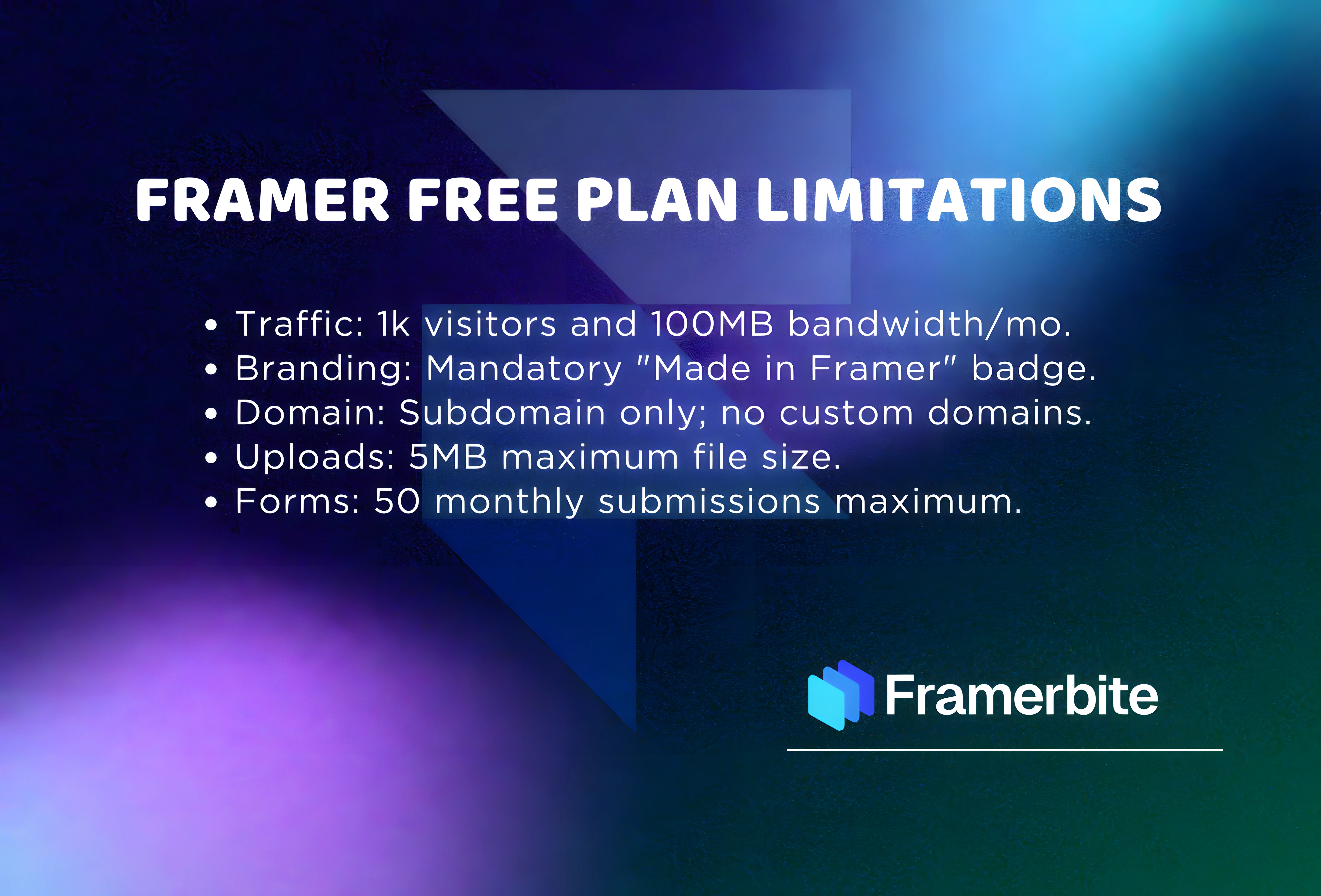
Framer free plan limitations are something you should know before starting your website design journey with Framer. Framer is one of today’s most popular website-building tools, complete with attractive designs, smooth animations and a user-friendly editor that makes you feel like you’re creating an interface in Figma but publishing it on Framer.
In this blog, we explore what’s included in the Framer free plan, where it truly shines, and where to be a little cautious when it comes to using it for real projects.
What do you get with the Framer Free plan?
Before we get to the limitations, though, let’s clarify what you receive when subscribing to Framer’s free plan. Understanding the features will help you decide if it’s right for your project.
So it's clear that from freelancers to agencies or startups, they are huge Framer fans since it's more free than just coding. Framer also has a free plan and is suited for people new to Framer, as well as testers and students who would like to test out designs. But if you want to use Framer for business or professional use, then you need to know what the limitations are associated with the free plan. Schedule a call with us today to learn more.
Features Available in the Framer Free Plan:
Full access to the Framer Editor: Design pages, create animations, add interactions, and more like a pro.
Unlimited projects in your workspace: Experiment with as many ideas as you can imagine without any limitations.
Publish websites with a Framer subdomain: Your site will be live at something like yourproject/framer/app. Great for experimenting or home projects.
SSL security is included: your sites will be secure and protected, automatically.
Limited CMS support: You can include dynamic content styles such as Blogs or Portfolios, but you are limited to some items.
Responsive layout tools: Your design will line up perfectly wherever users open it, desktop, tablet, or mobile.
Starter-level hosting: Framer hosts your site internally, so you don’t need to reach out to external servers.
Mobile responsive design support: Design confidently and know your site looks great on any device.
In short, you can use the Framer free plan to create, preview, and even publish an actual website without it costing any money. It’s good for learning, testing, or developing small personal projects. But there’s a twist: if you’re going to create client sites, agency projects, local business sites, personal portfolios, or templates for sale, then the free plan has a few things that won’t work very well for your needs. In below, we discuss Framer free plan limitations briefly.
1. No Custom Domain - You Must Use a Framer Subdomain
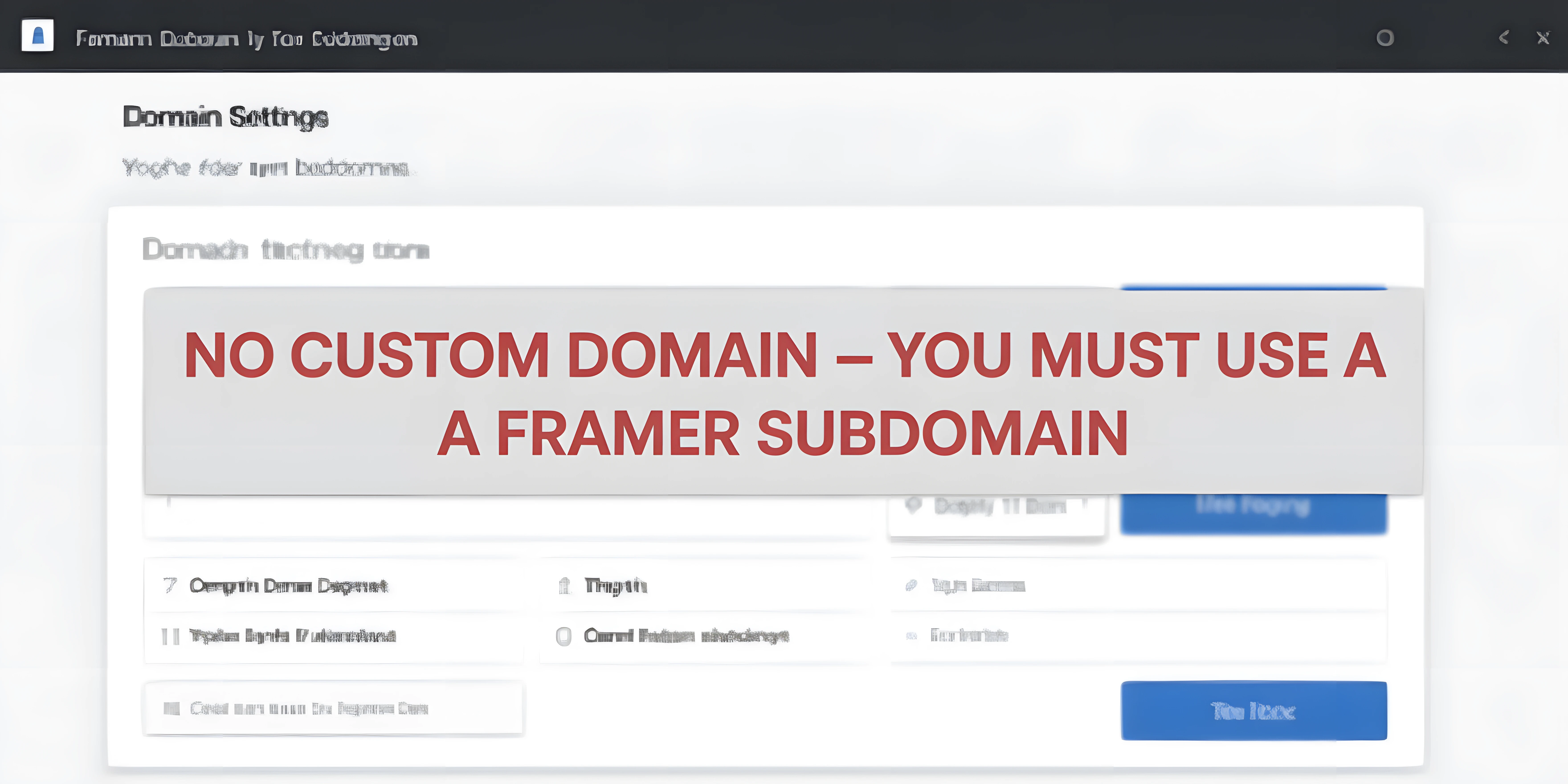
The most important limitation of the Framer's free plan is that you cannot use your own custom domain. This implies that your website can not have professional URLs like mybusiness.com, portfolio. me, or agencystudio.co. Your site will instead be published to a Framer subdomain Framer.app.
That’s fine for testing or personal projects, but it can make your website less professional and appear less trustworthy for business websites, client projects, portfolio sites, local service businesses, or e-commerce pages. And a custom domain-less URL also impacts your credibility, branding, as well as SEO ability.
On the Framer free plan, you have lower client trust, limited visibility on search engines, and branding control is very restricted. If you’re looking for your site to look professional, have a strong brand identity, and rank well in search engines, eventually you’ll need a paid service with the option of using a custom domain.
This makes your site look less professional and unreliable for:
Business websites
Client projects
Portfolio sites
Local service websites
E-commerce or landing pages
2. ''Made in Framer'' Badge - You Can’t Remove It
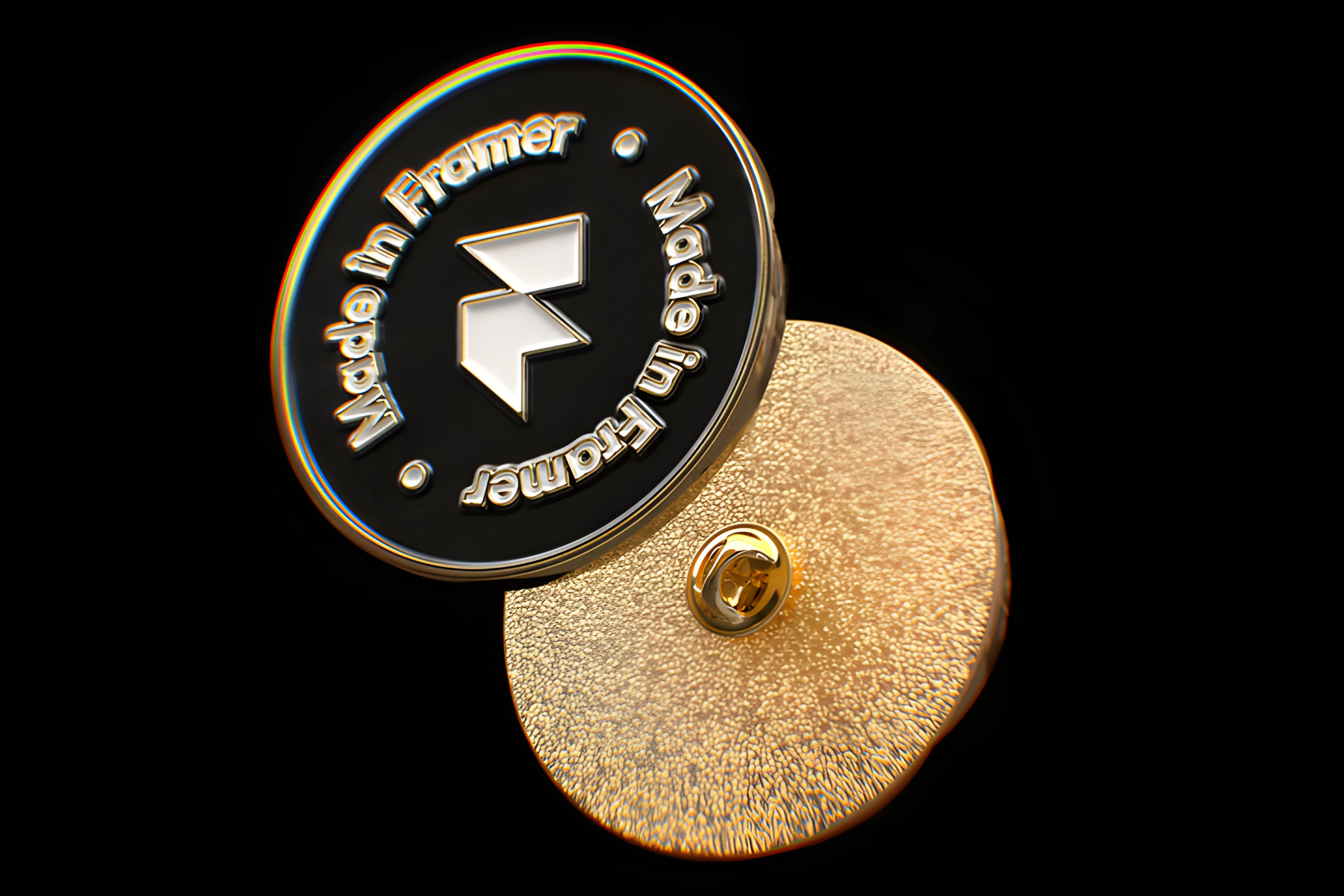
On the free plan, Framer adds a branding badge ''made in Framer'' that appears at the bottom of your published website. This is fine for practicing, testing or personal projects, but if you are building websites for clients, setting up a portfolio, managing an agency or creating brand-focused sites, it’s not desirable.
The badge adds to the unprofessional feel of the site and can detract from your own branding. This badge cannot be removed unless you move to at least the Basic or Pro Plan. If you want full brand control, paid plans are necessary.
3. Limited CMS Functionality

Framer’s CMS can be utilized to create blogs, article pages, product listings, case studies, real estate pages, service pages, or team profiles. But, as the Framer free plan puts some serious restrictions on CMS. You’re limited amount of collections as well as processing static content in a restrictive manner.
There’s no multi-language support or content API access in the first place. That means that, you can mess around with some of the blogs or tiny projects, but for building larger websites or more complex sites such as blogs with a lot of posts, real estate listings, article based websites, e-commerce product pages and portfolio case studies, free plan won’t cut it.
Paid plans offer full CMS access, unlimited items, several collections and professional features such as multi-language support, API access, pre-requisites for professional or business projects.
4. Basic Hosting Not Suitable for High Traffic
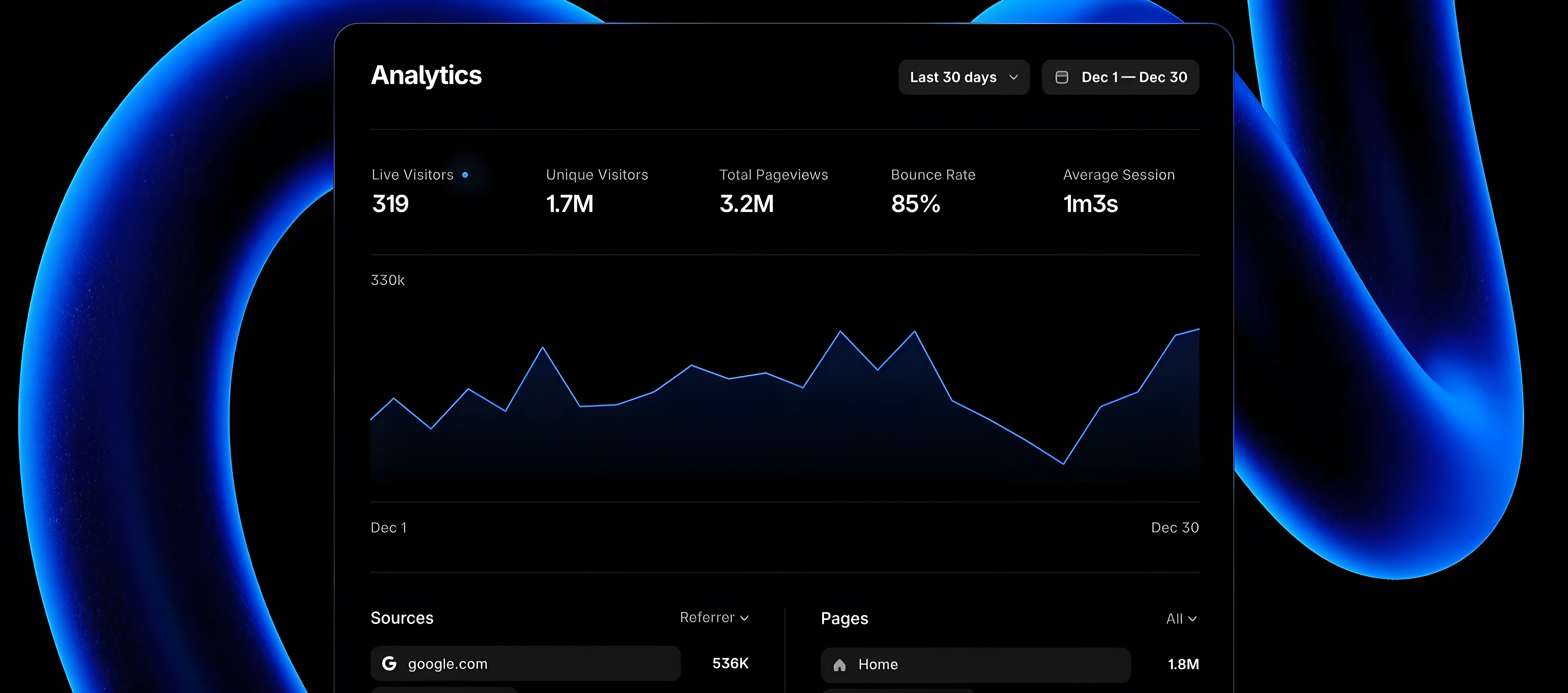
The Framer free plan has hosting at a starter level, which is great for small personal projects or experiments but not meant for high-traffic sites. Framer free plan hosting is limited in monthly traffic, basic content delivery and speed optimization. It doesn’t come with service guarantees or advanced performance features, like paid plans.
This means that you can experience slow page loading times, bandwidth limit exceeded errors or downtime if your website has started to get too many of visitors, contains large media files like images, videos etc or receives a lot of international traffic. For professional, client or business websites that require reliability and speed we highly recommend you to upgrade to a paid plan.
Hosting Limits You Should Know:
Features | Free Plan | Pro Plan |
Monthly Traffic | Limited | High/Premium |
CDN Delivery | Basic | Global Fast CDN |
Speed Optimization | Limited | Advanced |
Uptime Guarantees | No | Yes |
5. No Password Protection or Private Pages

For sharing client previews, private portfolios and gated exclusive content, you’ll need a way to add password protection and offer access to join your private pages. Regrettably, the Framer free plan does not include those capabilities. You can’t set up password-protected pages, private access links or a client preview mode.
That means any site you create on the free plan is publicly available to anyone with a link. This is a major drawback for freelancers, agencies, or anyone producing premium content for clients. Paid plans let you protect pages, share private previews, and control who gets to see your work, vital stuff if you have professional or client-facing projects.
Shortly, Framer free plan does not support:
Password-protected pages
Private access links
Client preview mode
6. No Team Collaboration or Client Permissions

If you work alone, this restriction may not impact you much. But as soon as you collaborate with a team or need to work closely with clients, designers or developers, the Framer free plan quickly gets in your way, it doesn’t allow for inviting team members, sharing editing access or using client preview modes, or specifying certain permissions per collaborator.
You also don’t have a shared workspace, so anything you build remains individual. These constraints make collaboration challenging and time-consuming, especially for agencies, studios or any individuals overseeing multiple client projects. If you require collaboration and managed access, you’ll almost necessarily want to upgrade to a paid plan.
At a glace, what feature you get with free plan:
Collaboration Feature | Free Plan | Pro Plan |
Invite Team Members | ❌ No | Yes |
Client Preview Mode | ❌ No | Yes |
Team Permissions | ❌ No | Yes |
Shared Workspace | ❌ No | Yes |
7. No SEO Tools or Advanced Settings

SEO is a must if you want your website to appear on Google and that goes for business, blogs, portfolios, agency sites or pretty much any service page locals might be looking for such as a bakery or a local hairstylist. Although Framer provides basic SEO tools on the free plan, you don’t get much out of it.
You can create basic meta titles and descriptions, but won’t have access to any advanced settings like sitemap control, schema markup, custom head code or a cookie consent manager. These are the kinds of powerful tools that will contribute heavily to high search rankings, greater visibility and an impenetrable brand.
Since the free plan doesn’t get those critical SEO features you’ll need to grow a website that thrives on regular traffic and search visibility or to establish yourself as a professional brand, it’s not strong enough. If you’re serious about SEO, then upgrading to a paid plan is necessary.
Shortly, free plan only includes very basic SEO capabilities like:
SEO Feature | Free Plan | Paid Plan |
Custom Meta Titles | Basic | Advanced |
Custom Meta Descriptions | Basic | Advanced |
Sitemap Control | No | Yes |
Advanced Schema | No | Yes |
Custom Head Code | No | Yes |
Cookie Consent Manager | No | Yes |
8. No Template Exporting or Selling Options
If you’re planning to sell Framer templates, deliver premium portfolio sites, or use Framer for professional client work, this limitation is especially important. Framer free plan does not allow template exporting, selling templates, white-label projects, full site code exporting, or full control over hosting assets.
In simple terms, you can design and publish websites for yourself, but you cannot package, export, or resell them as products. This makes the free plan unsuitable for creators, freelancers, or template sellers who want to build digital products or offer complete deliverables to clients. To access exporting, selling rights, and proper ownership control, you’ll need to upgrade to a paid plan.
Free Plan Does NOT allow:
Template exporting
Selling templates
White-label projects
Full site code exporting
Full control of hosting assets
9. Good for Learning, But Not Enough for Real Projects

The Framer free plan is great if you’re just getting started. It’s perfect for learning how the editor works, practicing layouts and animations, testing ideas, or creating simple personal projects. But when it comes to building real, professional websites, especially for local businesses, agencies, freelancers, marketing landing pages, SaaS startups, or lead-generation sites, the plan quickly becomes too limited. Features like custom domains, advanced SEO tools, CMS capacity, collaboration, exporting, and branding control are essential for serious projects, and these are all restricted on the free plan.
Here’s a quick way to understand what the Framer fee plan is suitable for:
Usage Type | Free Plan | Recommended |
Student / Learning | Yes | Free |
Personal Portfolio | Yes | Basic |
Small Business Site | Limited | Basic / Pro |
Agency / Client Websites | No | Pro |
SaaS / Startup Brand Site | No | Business |
Template Selling | No | Business |
If you eventually move beyond the limitations of the free tier and want to build professional-quality websites quickly without designing everything from scratch, FramerBite is a smart resource to mention. FramerBite offers 100+ free and premium templates with over 200 reusable components, that are built specifically for Framer.
With a single purchase from FramerBite, you get lifetime access, unlimited use for commercial or personal projects, and ongoing updates. This makes it a particularly good path for people like you who need Webflow/Framer templates, build SEO-optimized sites for clients or agencies, and want to save time without losing quality.
Using a high-quality FramerBite template allows you to skip many of the common pain points of the free plan: you immediately get a professional design ready for custom domains, proper layouts, and performance-friendly setups. Once you upgrade to a Framer paid plan, combining Framer with FramerBite can drastically reduce development time and let you deliver polished, client-ready sites fast.
When Is the Free Plan Actually Perfect?
Despite it's limitations, the Framer free plan is actually a fantastic product when used for the appropriate reason. It’s great for anyone who’s new to Framer and wants to familiarize themselves with its interface, try out layouts, or learn the mechanics of responsive design, animations and page interactions. It is also useful for making very basic website mockups or for publishing small personal projects that don't need to be associated with a strong brand, or do not require advanced SEO work.
Whether you are studying web design, creating a portfolio or just trying Framer for the first time before spending any money, with the free plan, everything you need to level-up your skills is here. For fledgling designers and the creatively curious, it’s the ideal space in which to experiment, practice and grow in confidence.
Framer Free Plan is perfect for:
Understanding Framer’s design editor
Building prototypes of personal websites
Practicing animations, responsive design, and layout
Publishing small personal blogs with no SEO or branding needs
Portfolio creation during stage of learning
Framer testing before to purchase
Final Thoughts: Framer Free Plan Is Powerful, But Not Professional
Framer’s free plan is one of the most generous free tools available, especially for designers and beginners. You can build real websites, publish them, and explore almost every feature of the editor. And if you’re planning to upgrade to a paid plan and want a head start with professional designs, platforms like Framerbite.com provide premium Framer templates that help you build polished, fast, and client-ready websites without starting from scratch.
In a simple sentence, Framer free plan is perfect for learning, but not enough for serious business or client websites.
Framer free plan limitations are something you should know before starting your website design journey with Framer. Framer is one of today’s most popular website-building tools, complete with attractive designs, smooth animations and a user-friendly editor that makes you feel like you’re creating an interface in Figma but publishing it on Framer.
In this blog, we explore what’s included in the Framer free plan, where it truly shines, and where to be a little cautious when it comes to using it for real projects.
What do you get with the Framer Free plan?
Before we get to the limitations, though, let’s clarify what you receive when subscribing to Framer’s free plan. Understanding the features will help you decide if it’s right for your project.
So it's clear that from freelancers to agencies or startups, they are huge Framer fans since it's more free than just coding. Framer also has a free plan and is suited for people new to Framer, as well as testers and students who would like to test out designs. But if you want to use Framer for business or professional use, then you need to know what the limitations are associated with the free plan. Schedule a call with us today to learn more.
Features Available in the Framer Free Plan:
Full access to the Framer Editor: Design pages, create animations, add interactions, and more like a pro.
Unlimited projects in your workspace: Experiment with as many ideas as you can imagine without any limitations.
Publish websites with a Framer subdomain: Your site will be live at something like yourproject/framer/app. Great for experimenting or home projects.
SSL security is included: your sites will be secure and protected, automatically.
Limited CMS support: You can include dynamic content styles such as Blogs or Portfolios, but you are limited to some items.
Responsive layout tools: Your design will line up perfectly wherever users open it, desktop, tablet, or mobile.
Starter-level hosting: Framer hosts your site internally, so you don’t need to reach out to external servers.
Mobile responsive design support: Design confidently and know your site looks great on any device.
In short, you can use the Framer free plan to create, preview, and even publish an actual website without it costing any money. It’s good for learning, testing, or developing small personal projects. But there’s a twist: if you’re going to create client sites, agency projects, local business sites, personal portfolios, or templates for sale, then the free plan has a few things that won’t work very well for your needs. In below, we discuss Framer free plan limitations briefly.
1. No Custom Domain - You Must Use a Framer Subdomain
The most important limitation of the Framer's free plan is that you cannot use your own custom domain. This implies that your website can not have professional URLs like mybusiness.com, portfolio. me, or agencystudio.co. Your site will instead be published to a Framer subdomain Framer.app.
That’s fine for testing or personal projects, but it can make your website less professional and appear less trustworthy for business websites, client projects, portfolio sites, local service businesses, or e-commerce pages. And a custom domain-less URL also impacts your credibility, branding, as well as SEO ability.
On the Framer free plan, you have lower client trust, limited visibility on search engines, and branding control is very restricted. If you’re looking for your site to look professional, have a strong brand identity, and rank well in search engines, eventually you’ll need a paid service with the option of using a custom domain.
This makes your site look less professional and unreliable for:
Business websites
Client projects
Portfolio sites
Local service websites
E-commerce or landing pages
2. ''Made in Framer'' Badge - You Can’t Remove It
On the free plan, Framer adds a branding badge ''made in Framer'' that appears at the bottom of your published website. This is fine for practicing, testing or personal projects, but if you are building websites for clients, setting up a portfolio, managing an agency or creating brand-focused sites, it’s not desirable.
The badge adds to the unprofessional feel of the site and can detract from your own branding. This badge cannot be removed unless you move to at least the Basic or Pro Plan. If you want full brand control, paid plans are necessary.
3. Limited CMS Functionality
Framer’s CMS can be utilized to create blogs, article pages, product listings, case studies, real estate pages, service pages, or team profiles. But, as the Framer free plan puts some serious restrictions on CMS. You’re limited amount of collections as well as processing static content in a restrictive manner.
There’s no multi-language support or content API access in the first place. That means that, you can mess around with some of the blogs or tiny projects, but for building larger websites or more complex sites such as blogs with a lot of posts, real estate listings, article based websites, e-commerce product pages and portfolio case studies, free plan won’t cut it.
Paid plans offer full CMS access, unlimited items, several collections and professional features such as multi-language support, API access, pre-requisites for professional or business projects.
4. Basic Hosting Not Suitable for High Traffic
The Framer free plan has hosting at a starter level, which is great for small personal projects or experiments but not meant for high-traffic sites. Framer free plan hosting is limited in monthly traffic, basic content delivery and speed optimization. It doesn’t come with service guarantees or advanced performance features, like paid plans.
This means that you can experience slow page loading times, bandwidth limit exceeded errors or downtime if your website has started to get too many of visitors, contains large media files like images, videos etc or receives a lot of international traffic. For professional, client or business websites that require reliability and speed we highly recommend you to upgrade to a paid plan.
Hosting Limits You Should Know:
Features | Free Plan | Pro Plan |
Monthly Traffic | Limited | High/Premium |
CDN Delivery | Basic | Global Fast CDN |
Speed Optimization | Limited | Advanced |
Uptime Guarantees | No | Yes |
5. No Password Protection or Private Pages
For sharing client previews, private portfolios and gated exclusive content, you’ll need a way to add password protection and offer access to join your private pages. Regrettably, the Framer free plan does not include those capabilities. You can’t set up password-protected pages, private access links or a client preview mode.
That means any site you create on the free plan is publicly available to anyone with a link. This is a major drawback for freelancers, agencies, or anyone producing premium content for clients. Paid plans let you protect pages, share private previews, and control who gets to see your work, vital stuff if you have professional or client-facing projects.
Shortly, Framer free plan does not support:
Password-protected pages
Private access links
Client preview mode
6. No Team Collaboration or Client Permissions
If you work alone, this restriction may not impact you much. But as soon as you collaborate with a team or need to work closely with clients, designers or developers, the Framer free plan quickly gets in your way, it doesn’t allow for inviting team members, sharing editing access or using client preview modes, or specifying certain permissions per collaborator.
You also don’t have a shared workspace, so anything you build remains individual. These constraints make collaboration challenging and time-consuming, especially for agencies, studios or any individuals overseeing multiple client projects. If you require collaboration and managed access, you’ll almost necessarily want to upgrade to a paid plan.
At a glace, what feature you get with free plan:
Collaboration Feature | Free Plan | Pro Plan |
Invite Team Members | ❌ No | Yes |
Client Preview Mode | ❌ No | Yes |
Team Permissions | ❌ No | Yes |
Shared Workspace | ❌ No | Yes |
7. No SEO Tools or Advanced Settings
SEO is a must if you want your website to appear on Google and that goes for business, blogs, portfolios, agency sites or pretty much any service page locals might be looking for such as a bakery or a local hairstylist. Although Framer provides basic SEO tools on the free plan, you don’t get much out of it.
You can create basic meta titles and descriptions, but won’t have access to any advanced settings like sitemap control, schema markup, custom head code or a cookie consent manager. These are the kinds of powerful tools that will contribute heavily to high search rankings, greater visibility and an impenetrable brand.
Since the free plan doesn’t get those critical SEO features you’ll need to grow a website that thrives on regular traffic and search visibility or to establish yourself as a professional brand, it’s not strong enough. If you’re serious about SEO, then upgrading to a paid plan is necessary.
Shortly, free plan only includes very basic SEO capabilities like:
SEO Feature | Free Plan | Paid Plan |
Custom Meta Titles | Basic | Advanced |
Custom Meta Descriptions | Basic | Advanced |
Sitemap Control | No | Yes |
Advanced Schema | No | Yes |
Custom Head Code | No | Yes |
Cookie Consent Manager | No | Yes |
8. No Template Exporting or Selling Options
If you’re planning to sell Framer templates, deliver premium portfolio sites, or use Framer for professional client work, this limitation is especially important. Framer free plan does not allow template exporting, selling templates, white-label projects, full site code exporting, or full control over hosting assets.
In simple terms, you can design and publish websites for yourself, but you cannot package, export, or resell them as products. This makes the free plan unsuitable for creators, freelancers, or template sellers who want to build digital products or offer complete deliverables to clients. To access exporting, selling rights, and proper ownership control, you’ll need to upgrade to a paid plan.
Free Plan Does NOT allow:
Template exporting
Selling templates
White-label projects
Full site code exporting
Full control of hosting assets
9. Good for Learning, But Not Enough for Real Projects
The Framer free plan is great if you’re just getting started. It’s perfect for learning how the editor works, practicing layouts and animations, testing ideas, or creating simple personal projects. But when it comes to building real, professional websites, especially for local businesses, agencies, freelancers, marketing landing pages, SaaS startups, or lead-generation sites, the plan quickly becomes too limited. Features like custom domains, advanced SEO tools, CMS capacity, collaboration, exporting, and branding control are essential for serious projects, and these are all restricted on the free plan.
Here’s a quick way to understand what the Framer fee plan is suitable for:
Usage Type | Free Plan | Recommended |
Student / Learning | Yes | Free |
Personal Portfolio | Yes | Basic |
Small Business Site | Limited | Basic / Pro |
Agency / Client Websites | No | Pro |
SaaS / Startup Brand Site | No | Business |
Template Selling | No | Business |
If you eventually move beyond the limitations of the free tier and want to build professional-quality websites quickly without designing everything from scratch, FramerBite is a smart resource to mention. FramerBite offers 100+ free and premium templates with over 200 reusable components, that are built specifically for Framer.
With a single purchase from FramerBite, you get lifetime access, unlimited use for commercial or personal projects, and ongoing updates. This makes it a particularly good path for people like you who need Webflow/Framer templates, build SEO-optimized sites for clients or agencies, and want to save time without losing quality.
Using a high-quality FramerBite template allows you to skip many of the common pain points of the free plan: you immediately get a professional design ready for custom domains, proper layouts, and performance-friendly setups. Once you upgrade to a Framer paid plan, combining Framer with FramerBite can drastically reduce development time and let you deliver polished, client-ready sites fast.
When Is the Free Plan Actually Perfect?
Despite it's limitations, the Framer free plan is actually a fantastic product when used for the appropriate reason. It’s great for anyone who’s new to Framer and wants to familiarize themselves with its interface, try out layouts, or learn the mechanics of responsive design, animations and page interactions. It is also useful for making very basic website mockups or for publishing small personal projects that don't need to be associated with a strong brand, or do not require advanced SEO work.
Whether you are studying web design, creating a portfolio or just trying Framer for the first time before spending any money, with the free plan, everything you need to level-up your skills is here. For fledgling designers and the creatively curious, it’s the ideal space in which to experiment, practice and grow in confidence.
Framer Free Plan is perfect for:
Understanding Framer’s design editor
Building prototypes of personal websites
Practicing animations, responsive design, and layout
Publishing small personal blogs with no SEO or branding needs
Portfolio creation during stage of learning
Framer testing before to purchase
Final Thoughts: Framer Free Plan Is Powerful, But Not Professional
Framer’s free plan is one of the most generous free tools available, especially for designers and beginners. You can build real websites, publish them, and explore almost every feature of the editor. And if you’re planning to upgrade to a paid plan and want a head start with professional designs, platforms like Framerbite.com provide premium Framer templates that help you build polished, fast, and client-ready websites without starting from scratch.
In a simple sentence, Framer free plan is perfect for learning, but not enough for serious business or client websites.
Read more articles
Feb 28, 2026
Best Framer Templates with Parallax Scrolling
Feb 28, 2026
Best Framer Templates with Parallax Scrolling
Feb 22, 2026
Framer Canvas: Design Without Limits
Feb 22, 2026
Framer Canvas: Design Without Limits
Feb 19, 2026
Best Companies Specializing in Framer Website Templates in 2026
Feb 19, 2026
Best Companies Specializing in Framer Website Templates in 2026
Get exclusive 10% discount on your next purchase.
We will send the discount code immediately in your inbox.

Templates
Copyright © 2026 FramerBite, A Part of Creetfy LLC. All Rights Reserved
Follow us on Twitter
Get exclusive 10% discount on your next purchase.
We will send the discount code immediately in your inbox.
Templates
Copyright © 2026 FramerBite, A Part of Creetfy LLC. All Rights Reserved
Follow us on Twitter
Get exclusive 10% discount on your next purchase.
We will send the discount code immediately in your inbox.
Templates
Copyright © 2026 FramerBite, A Part of Creetfy LLC. All Rights Reserved
Follow us on Twitter
Get exclusive 10% discount on your next purchase.
We will send the discount code immediately in your inbox.
Templates
Copyright © 2026 FramerBite, A Part of Creetfy LLC. All Rights Reserved
Follow us on Twitter